HighwayENV安装路径
1.创建环境
打开Anaconda Prompt
conda create -n highwayEnv python==3.7
conda activate highwayEnv

pip install matplotlib==3.5
pip install --upgrade pygame
pip install pygame==2.1.2
pip install --upgrade pygame
2.选择python解释器
测试代码:
import gymnasium
import highway_env
from matplotlib import pyplot as plt


env = gymnasium.make('highway-v0', render_mode='rgb_array')
env.reset()
for _ in range(5):
    action = env.unwrapped.action_type.actions_indexes["IDLE"]
    obs, reward, done, truncated, info = env.step(action)
    env.render()

plt.imshow(env.render())
plt.show()
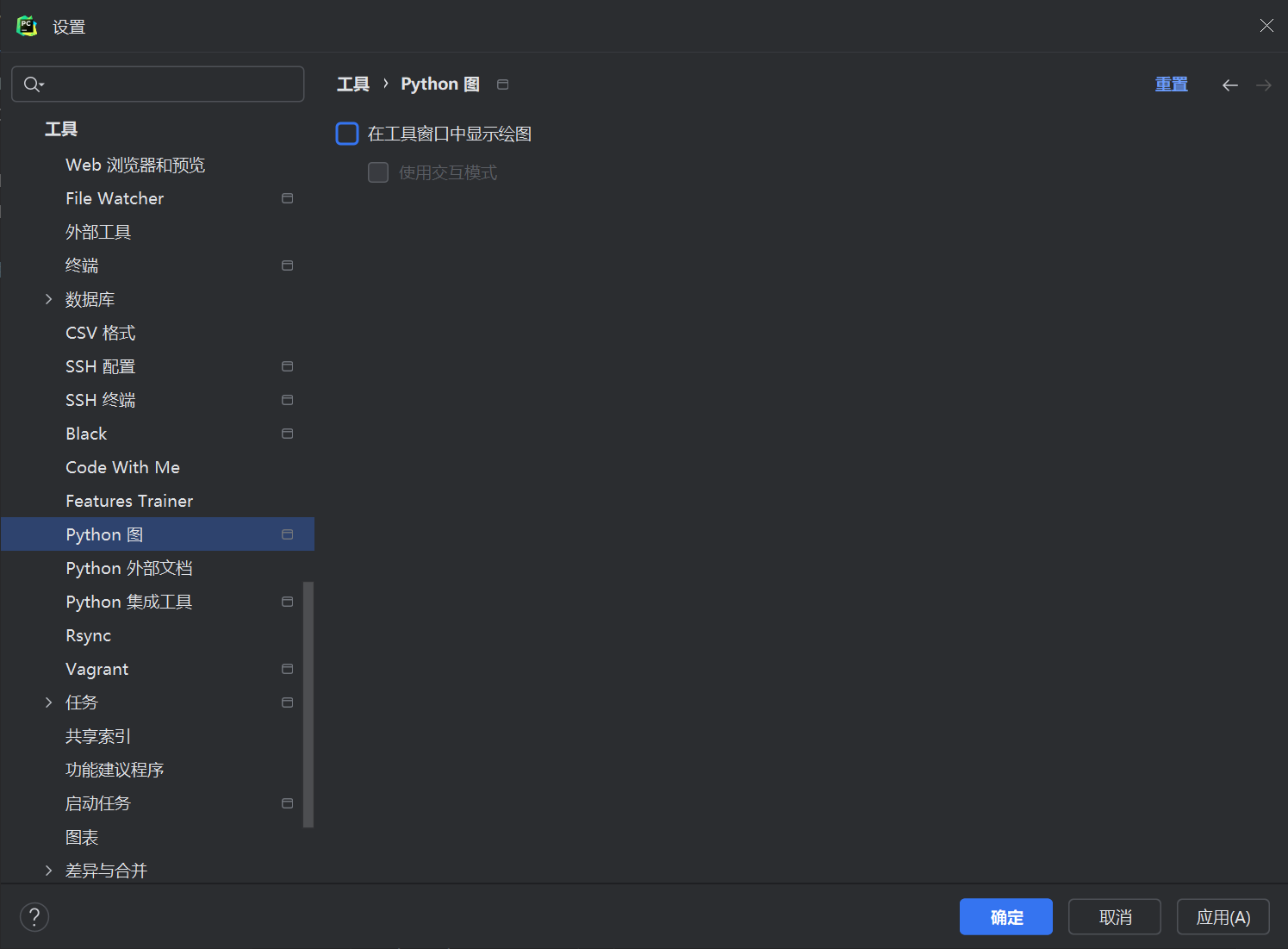
3.pycharm配置
对在工具窗口中显示绘图进行取消